आज हम यह देखने जा रहे हैं कि विंडोज 8 के लिए जावास्क्रिप्ट अनुप्रयोगों में फाइलपिकर का उपयोग करके जावास्क्रिप्ट फ़ाइल कैसे खोलें, और फ़ाइलों को एक-एक करके व्यक्तिगत रूप से संसाधित करें।
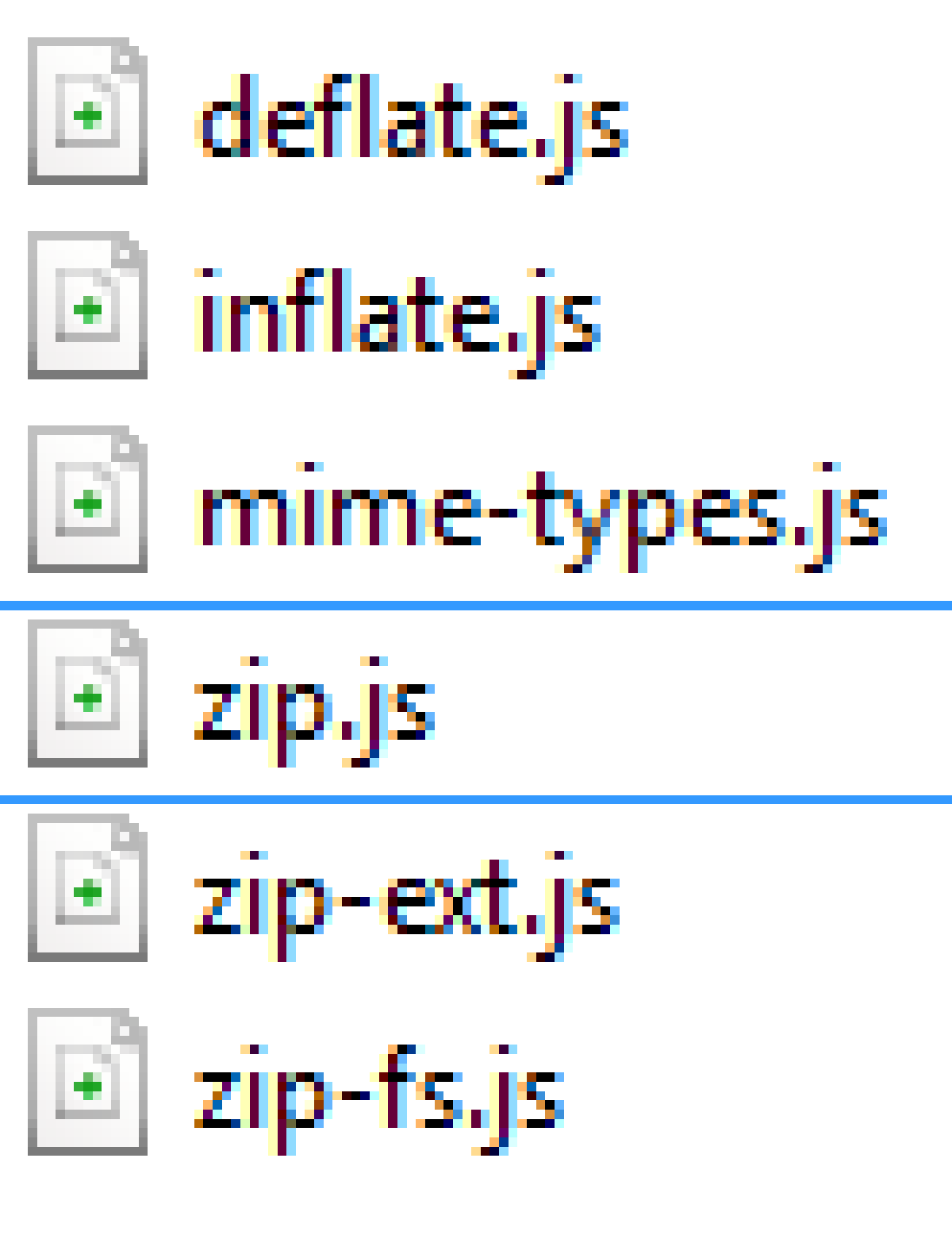
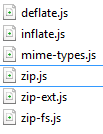
सबसे पहले हम यहां से zip.js लाइब्रेरी डाउनलोड करते हैं ये वे फाइलें हैं जिनमें हम रुचि रखते हैं। inflate.js(संपीड़ित करें), deflate.js (अनज़िप)
// Creamos el objeto picker, con las opciones deseadas
varopenPicker=newWindows.Storage.Pickers.FileOpenPicker();openPicker.viewMode=Windows.Storage.Pickers.PickerViewMode.list;openPicker.suggestedStartLocation=Windows.Storage.Pickers.PickerLocationId.documentsLibrary;//Establecemos los formatos que queremos capturar
openPicker.fileTypeFilter.replaceAll([".zip",".ZIP"]);// pickSingleFilesAsync si solo queremos uno
openPicker.pickMultipleFilesAsync().then(function(file){if(file.size>0){for(vari=0;i<file.size;i++){//imaginemos que contiene ficheros de texto
file[i].openReadAsync().then(function(stream){if(myFile){//Creamos un blob del archivo zip
varblob=MSApp.createBlobFromRandomAccessStream(myFile.contentType,stream);//Para blob
zip.createReader(newzip.BlobReader(blob),function(reader){// Obtenemos los ficheros
reader.getEntries(function(entries){//Accedemos a cada fichero
entries.forEach(function(item){item.getData(newzip.TextWriter(),function(data){//"data" contiene el texto del fichero
});});});},function(error){// Error callback
});}});}}else{//Se ha presionado cancelar
}});
जैसा कि हम देख सकते हैं, इस सरल तरीके से, हम zip.js और winJS के साथ ज़िप फ़ाइलें खोलने में सक्षम होंगे।
यह टेक्स्ट फ़ाइलों (ज़िप के अंदर) पर लागू होता है, यूटीएफ -8 एन्कोडिंग के साथ, जल्द ही हम देखेंगे कि आईएसओ 5598-1, आईएसओ 5598-15 आदि जैसे अन्य एन्कोडिंग के साथ कैसे काम किया जाए।