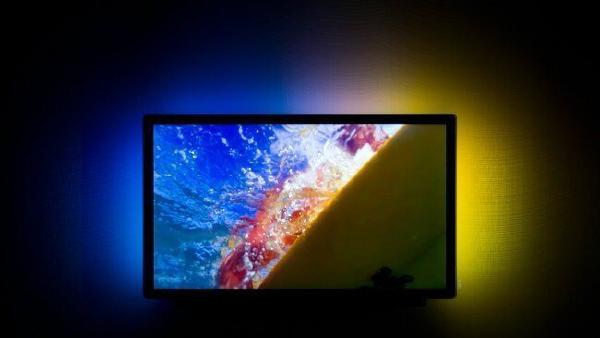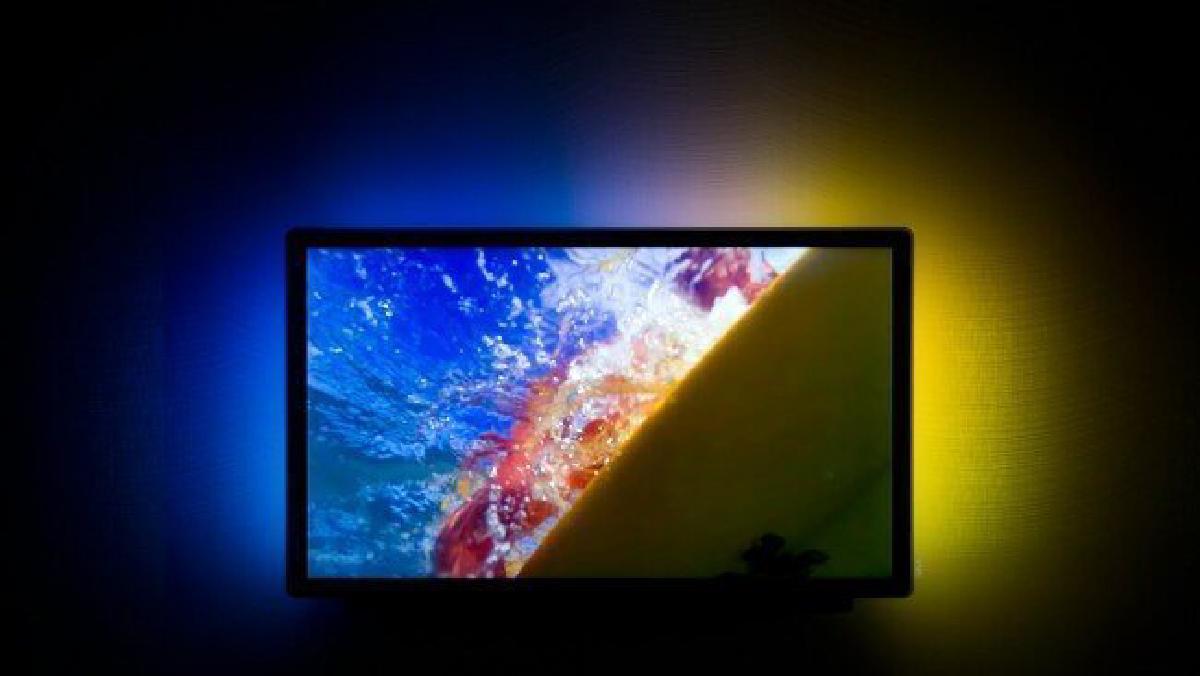

Below we will see some doubts and problems that may arise while you are assembling your homemade ambilight following this tutorial or a similar one and we will see some possible causes and solutions… In addition, a little further down I leave you two videos so that you can check that everything is OK in your Ambilight.
Common problems with your home Ambilight#
- If it seems that everything works OK but the LEDs do not respond
- Check, test, change and look for the necessary values in your /etc/boblight.conf
- If the console doesn’t give you any errors, you should check the settings
- delayafteropen (varies according to type of LEDS)
- interval (varies by LEDS)
- Prefix (varies depending on the number of LEDs)
- Check that you have chosen the correct port in the arduino ide and in the /etc/bobliht.conf file
- Check that you have made the connections correctly and remember
- The data goes where the female connector initially comes from and the current where the male connector comes from
Videos for final adjustments#
Video Test 1
Video Test 2
Coming soon#
We will add 50 more LEDs to the installation
Note#
If you have missed the other posts you can start assembling your homemade ambilight here