
Plex is a fantastic multimedia server with clients for all imaginable platforms including SMART TVs, plus we can use it with our beloved XBMC
Installation#
I will not dwell on this part, since there are many tutorials on the internet, we will only comment on the cumbersome steps.
Download from here the latest version of plex for our OS
//Ten en cuenta  que esta es la versión de 64 bits
http://plex.r.worldssl.net/plex-media-server/0.9.7.28.33-f80a4a2/plexmediaserver_0.9.7.28.33-f80a4a2_amd64.deb
//32 bits
http://plex.r.worldssl.net/plex-media-server/0.9.7.28.33-f80a4a2/plexmediaserver_0.9.7.28.33-f80a4a2_i386.deb

//recomiendo sustituid esta ruta por la que haya en la web oficial para tener la última versión
//Ahora instalamos con
sudo dpkg -i plexmediaserver...[resto nombre fichero]
Create an account on myPlex
Access
http://[IP DE TU SERVIDOR]:32400/web/index.htmlComplete the simple tutorial
If you’re having trouble connecting to myPlex
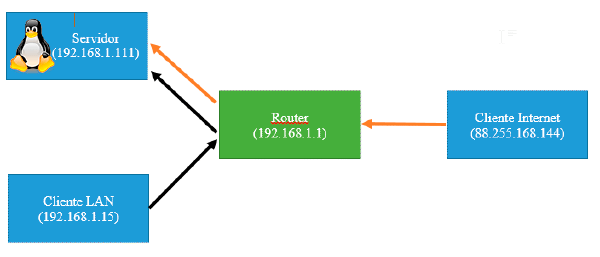
You open port 32400 as indicated here
You check the box that says “Allow me to choose the port manually”
You can now access your media server
Inside the local network
http://[IP SERVIDOR]:32400/web/index.htmlFrom the internet
https://my.plexapp.com/?