
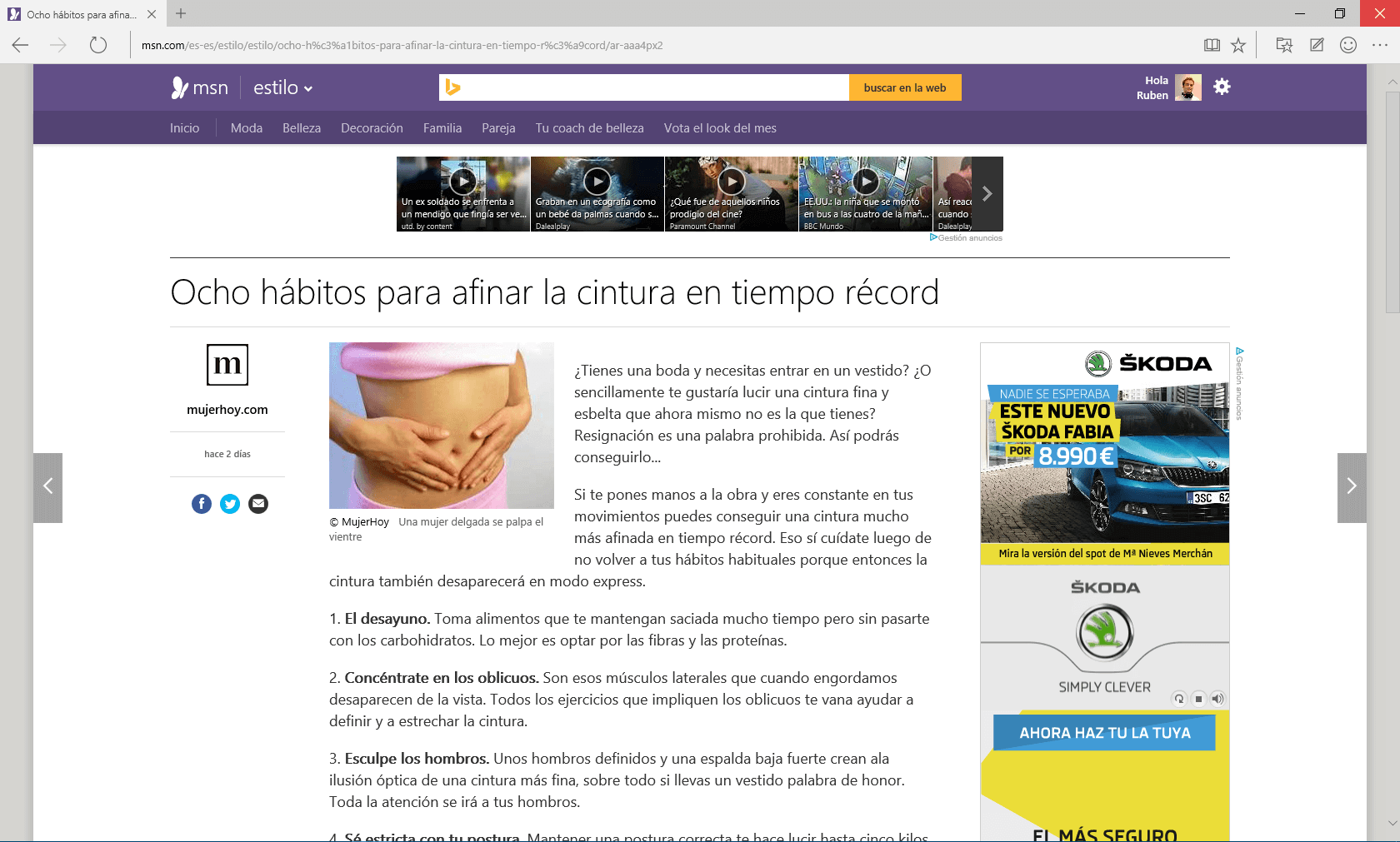
Spartan is the browser of the week, and it is further proof of the good direction that Microsoft is taking in recent times. Spartan has borrowed from Chrome the idea of tabs at the top (without a title bar), but adapting its design to Windows Modern UI ([Metro](http://en.wikipedia.org/wiki/Metro_%28design_language%29 “Metro (design language))), the result is a minimalist browser, which offers us large buttons and ease of use.
In terms of configuration, it still does not give us the possibility to change more than some basic elements.
Development tools Nothing new under the sun, it seems that they are exactly the same as in Internet Explorer, although this is a matter of taste, I would have liked them to have “noticed” in Chrome as well.
Markup tools From now on, we will be able to highlight, put post-it notes or underline on the web to be able to view them in the same way when we return again by saving them in favorites.
Reading mode That allows us to read a website without distractions.
Integration with Cortana Spartan brings as a novelty the integration with Cortana (Microsoft’s voice recognition engine)
Conclusion#
It is a browser that starts its journey well and of which we must be very attentive, although for the moment it is still a Chorme with some basic extensions preinstalled, Microsoft is playing well its card of a flat style and its integration with the Microsoft ecosystem.
UserAgents#
If you are a web developer you may want to prepare your websites for Spartan, so I leave you here the Spartan User Agent which at the moment is the same as the Chrome one adding “Edge/12.0”
Microsoft Spartan
Mozilla/5.0 (Windows NT 10.0; Win64; x64) AppleWebKit/537.36 (KHTML, like Gecko) Chrome/39.0.2171.71 Safari/537.36 Edge/12.0
Chrome
Mozilla/5.0 (Windows NT 10.0; WOW64) AppleWebKit/537.36 (KHTML, like Gecko) Chrome/41.0.2272.101 Safari/537.36