
Introduction#
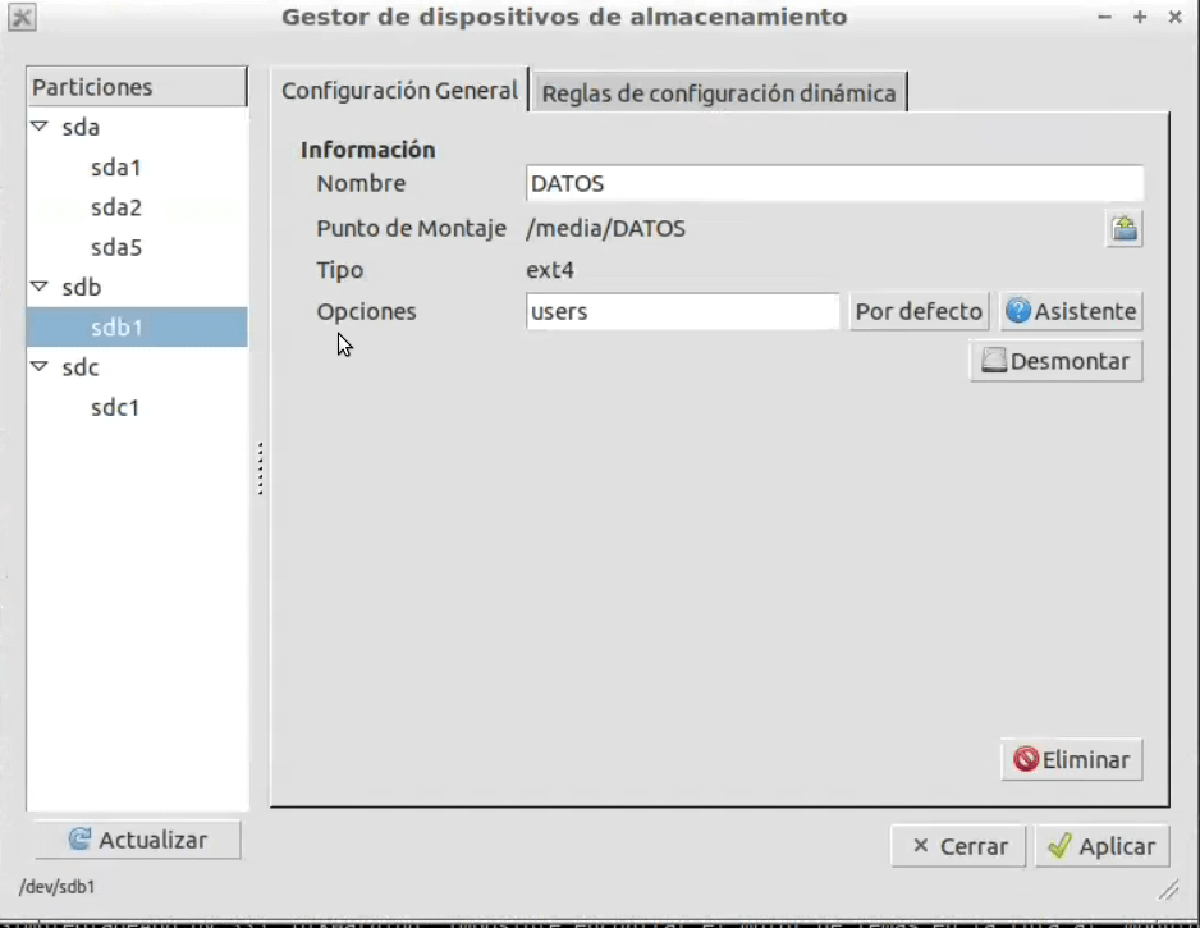
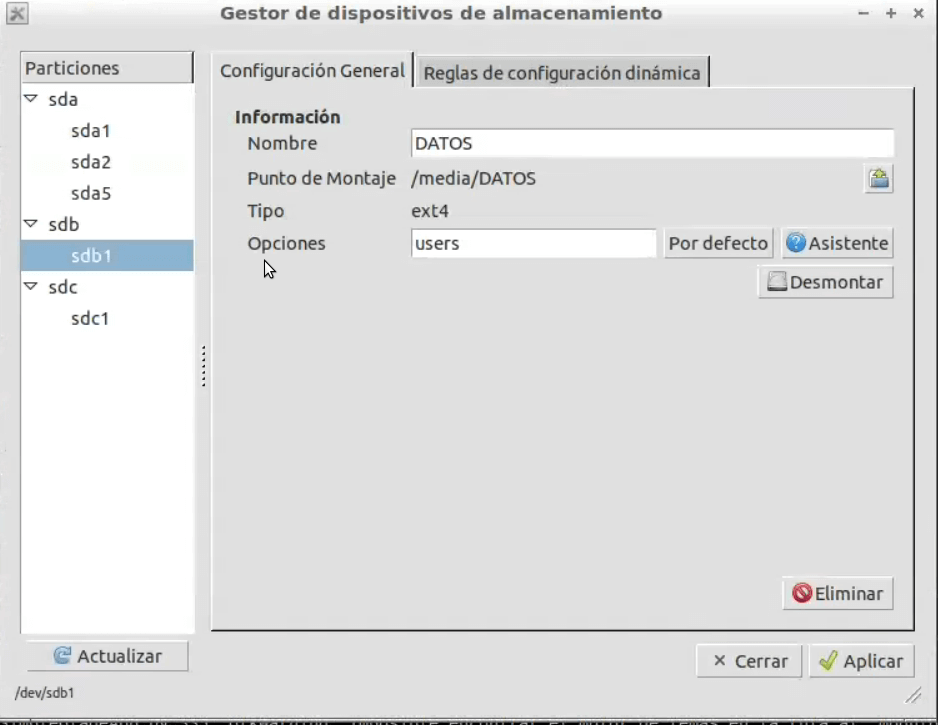
Modifying the file /etc/fstab is a cumbersome process if you do not have enough knowledge, so a graphical interface to modify this file called
Steps#
- We install by
Ubuntu software center
or through
sudo aptitude install pysdm
- We run the
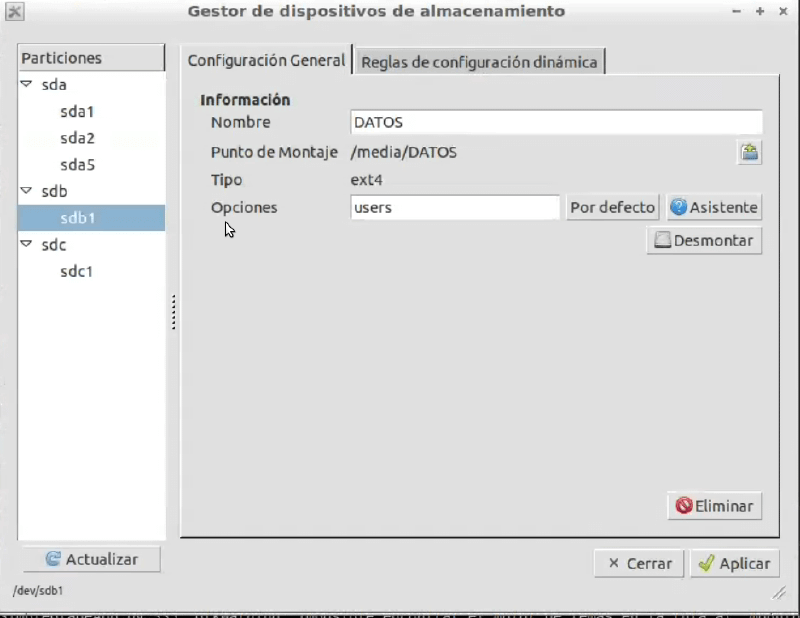
- Select the chosen disk and partition
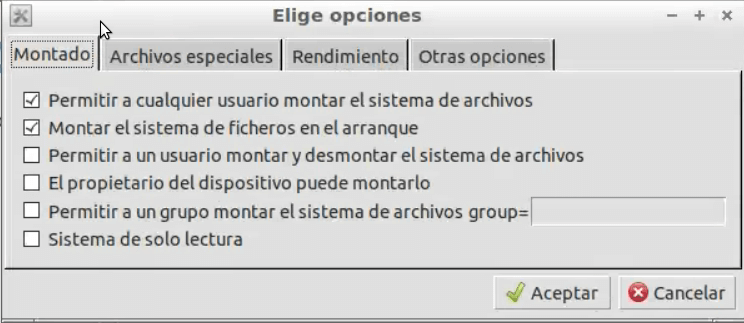
- We configure it using its simple wizard
- I hope it has been useful to you. :D
NOTE#
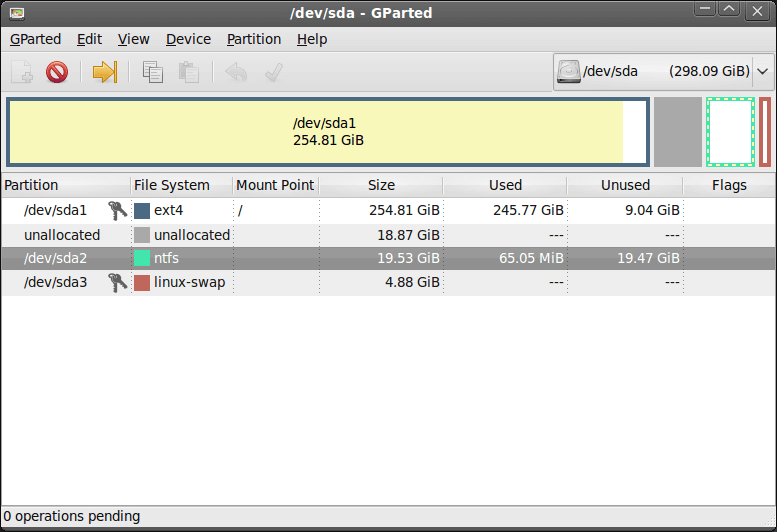
If we don’t know very well which partition and disk we want, we can install gparted
sudo aptitude install gpartedAnd with this application we will be able to have more visual information about our partitions.