
Introduction#
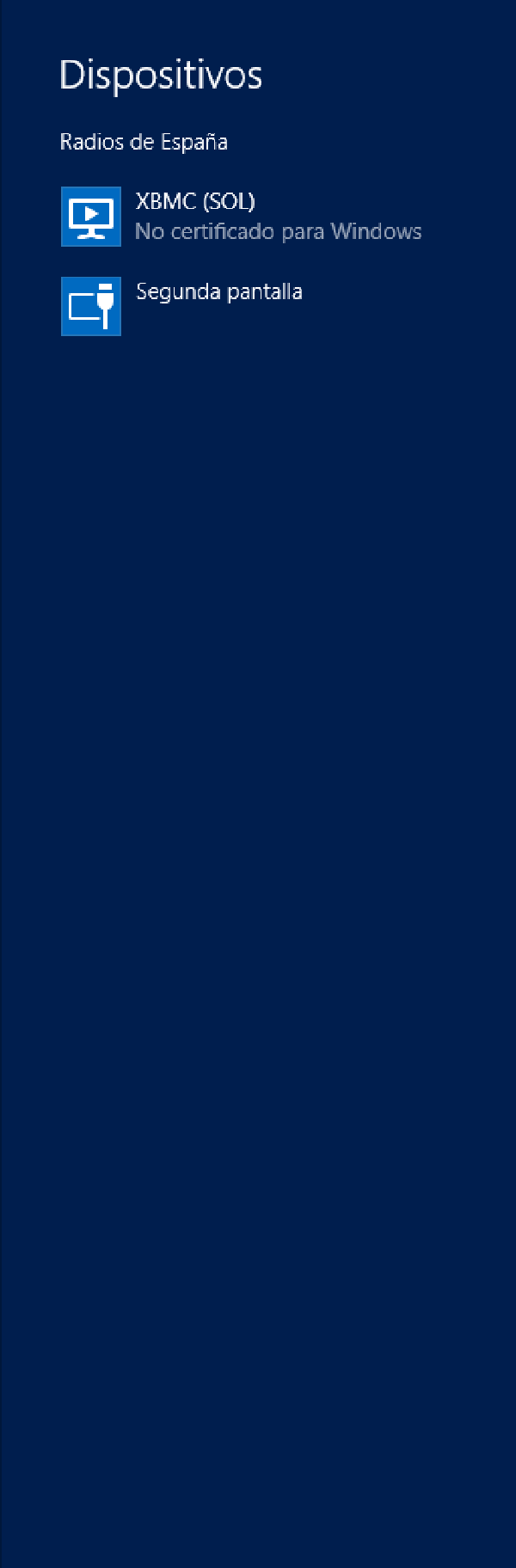
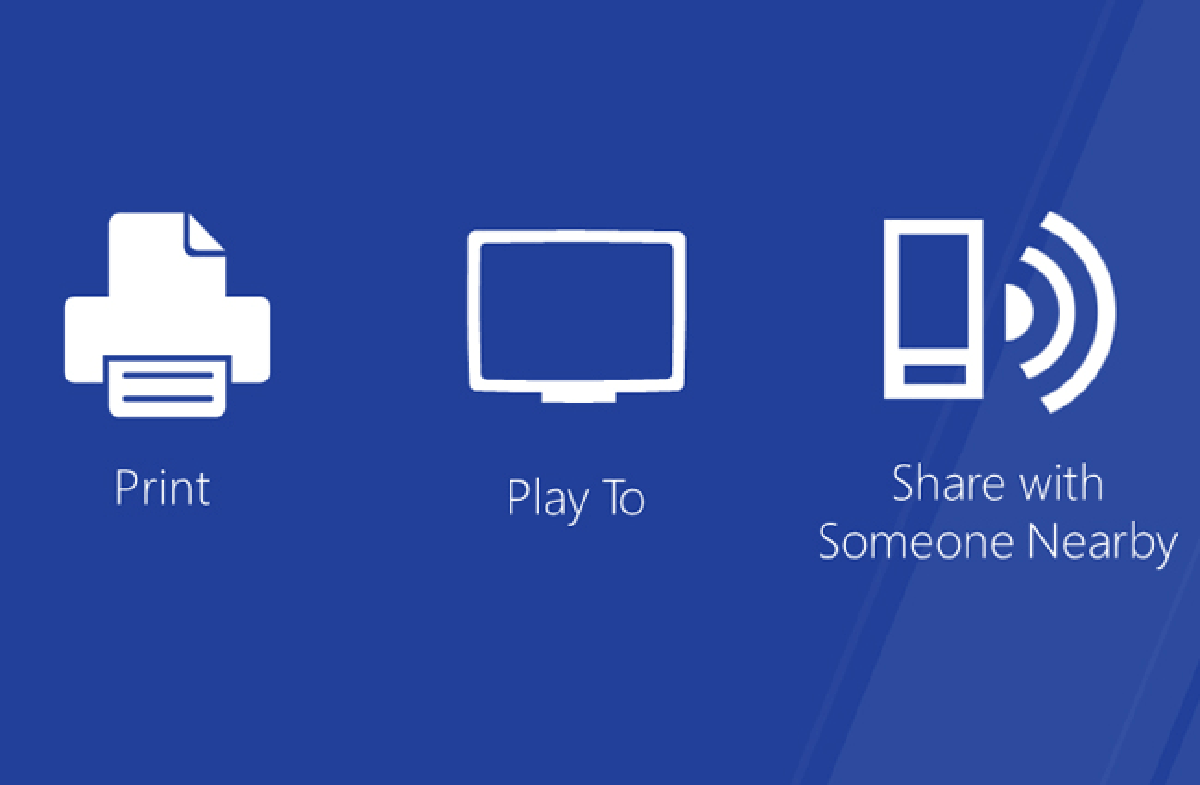
A while ago, I showed you how to enable DLNA and Play To in Windows 8 but this is not applicable in Windows 8.1.
That’s why I bring you a new way to activate it, I’ve generated a small log file that we can install to enable the “Play To” or DLNA function of Windows 8.1 on both desktop and Windows RT devices.
Steps#
- Enable XBMC for uPNP as explained HERE.
- Download file: (Don’t be scared of your browser’s security alert, it’s because it’s a log file, but if you don’t trust it, click Here to do it yourself). https://rubeninfante.com/ARCHIVOSMIOS/PlayTo.zip
- Unzip it and double-click on the file .reg
- There you have it!
Alternative method#
Create a text file with this content
Windows Registry Editor Version 5.00

[HKEY_LOCAL_MACHINESOFTWAREMicrosoftPlayTo]
"ShowNonCertifiedDevices"=dword:00000001
Save it with name playTo.reg
Double-click on it.
There you have it!
I hope you find it useful :D
Via: Here