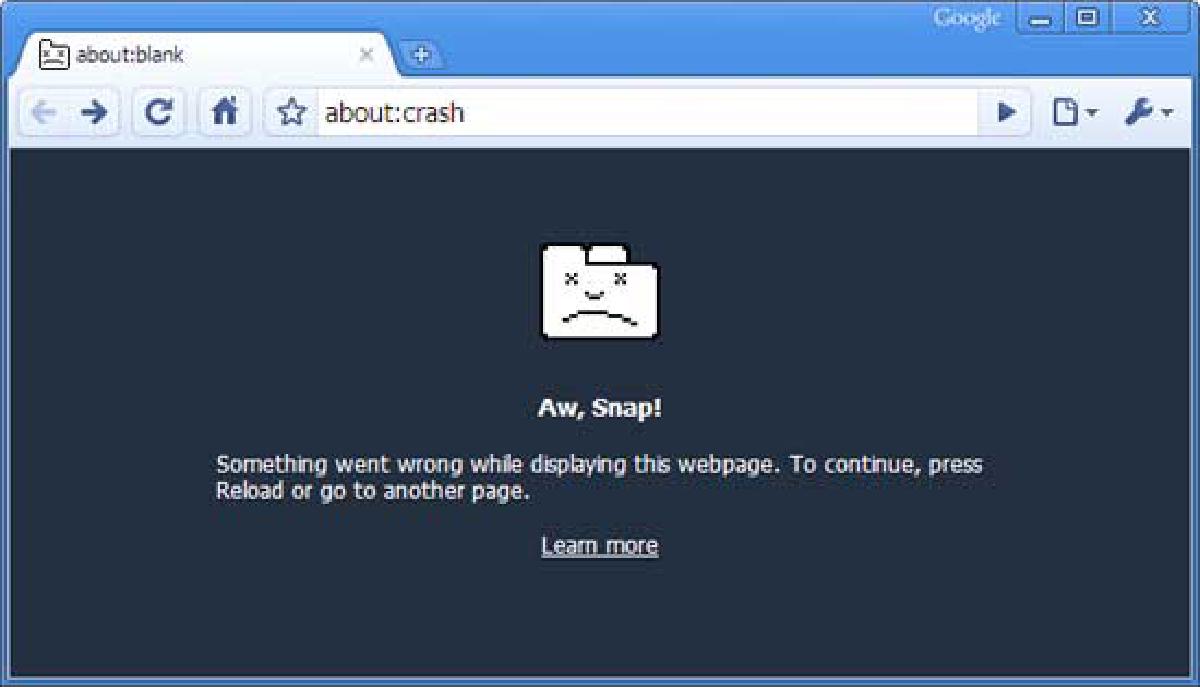

Today when I boot the PC in the office and start Chrome to read the email. BAZINGA! It didn’t load websites, nor configuration and all the extensions failed.
It’s a frustrating situation, so I hope the following instructions can help.
After searching Google from another browser for something related to the problem, I only found this, I was already about to delete and recreate my username, when it occurred to me to try something.
SOLUTION 1#
Steps#
- Open Chrome
- Restart Chrome in Windows 8
- Once opened, Tools
- Reboot in desktop mode
- Ready!
SOLUTION 2#
This is more common and with it we risk losing those elements that we do not have synchronized. But it is equally functional.
Steps#
- Open Chrome
- Tools
- Delete this user
- Re-register the user
I hope it has been helpful to you!