Configure DDNS, to be able to access our router without having the IP at all times.
We create an account in some dyndns or non-ip type service
dyndns accounts are no longer free, but you can create a 30-day trial by inserting the card and then disable the automatic charge, so you will have your free account.
Another option is to use another service similar to dyndns but free and give it a try.
We access the router by putting the gateway in a browser and looking for the default username and password for your model on the internet
We look for the part where DDNS is configured and enter the data of the account that we have just created
Now we have a xxxx.dyndns.org domain, which redirects us to our dynamic IP, that is, we can have the services of a “fixed IP”, without having contracted it and for free
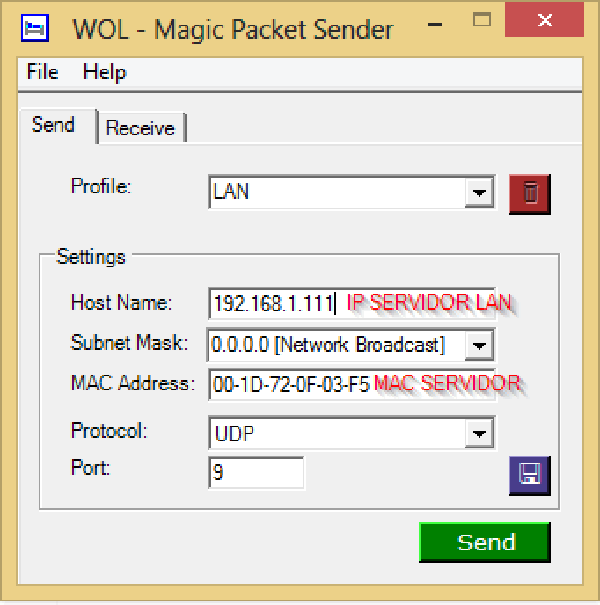
Open ports 9 and 7
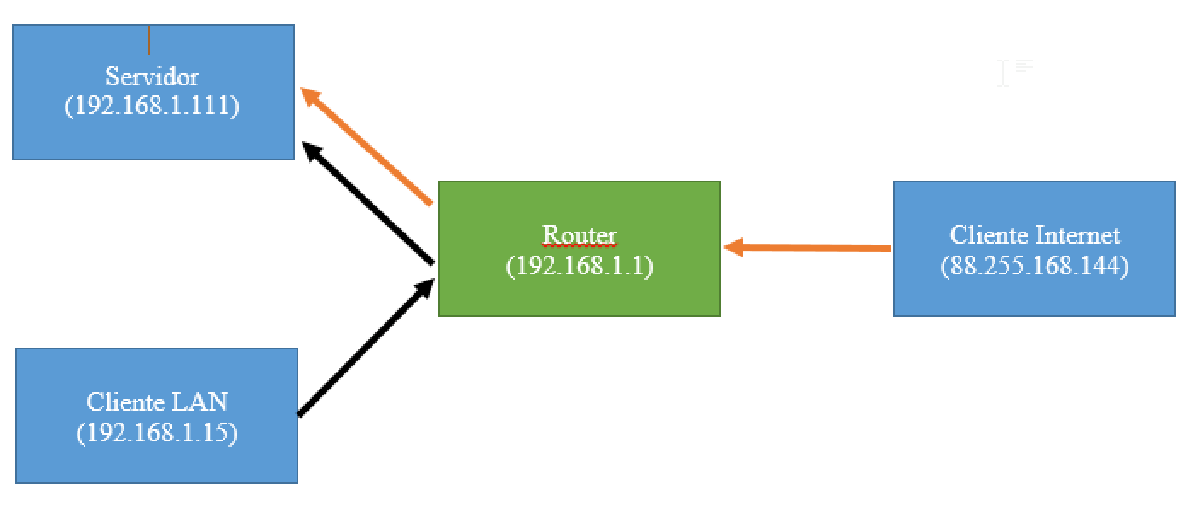
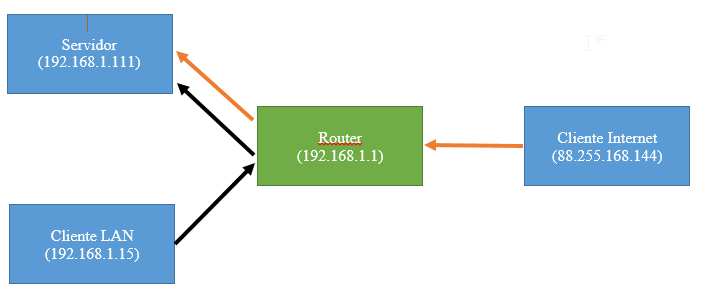
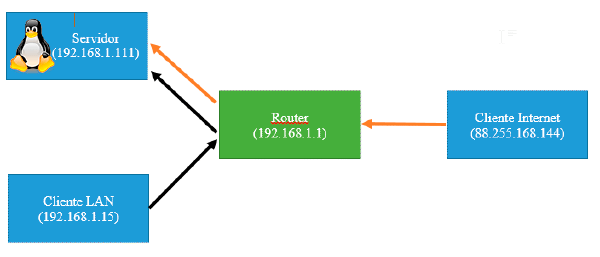
In the configuration of the router through the web console, in the NAT section we will open these two ports and route them to the internal IP of the server.
We already have our network configured to be able to turn on the computer from the internet.
Due to the loopback of the network, we will not be able to connect to this domain from within the network itself in some router models, so I recommend trying a mobile phone with a data rate.