
Requirements#
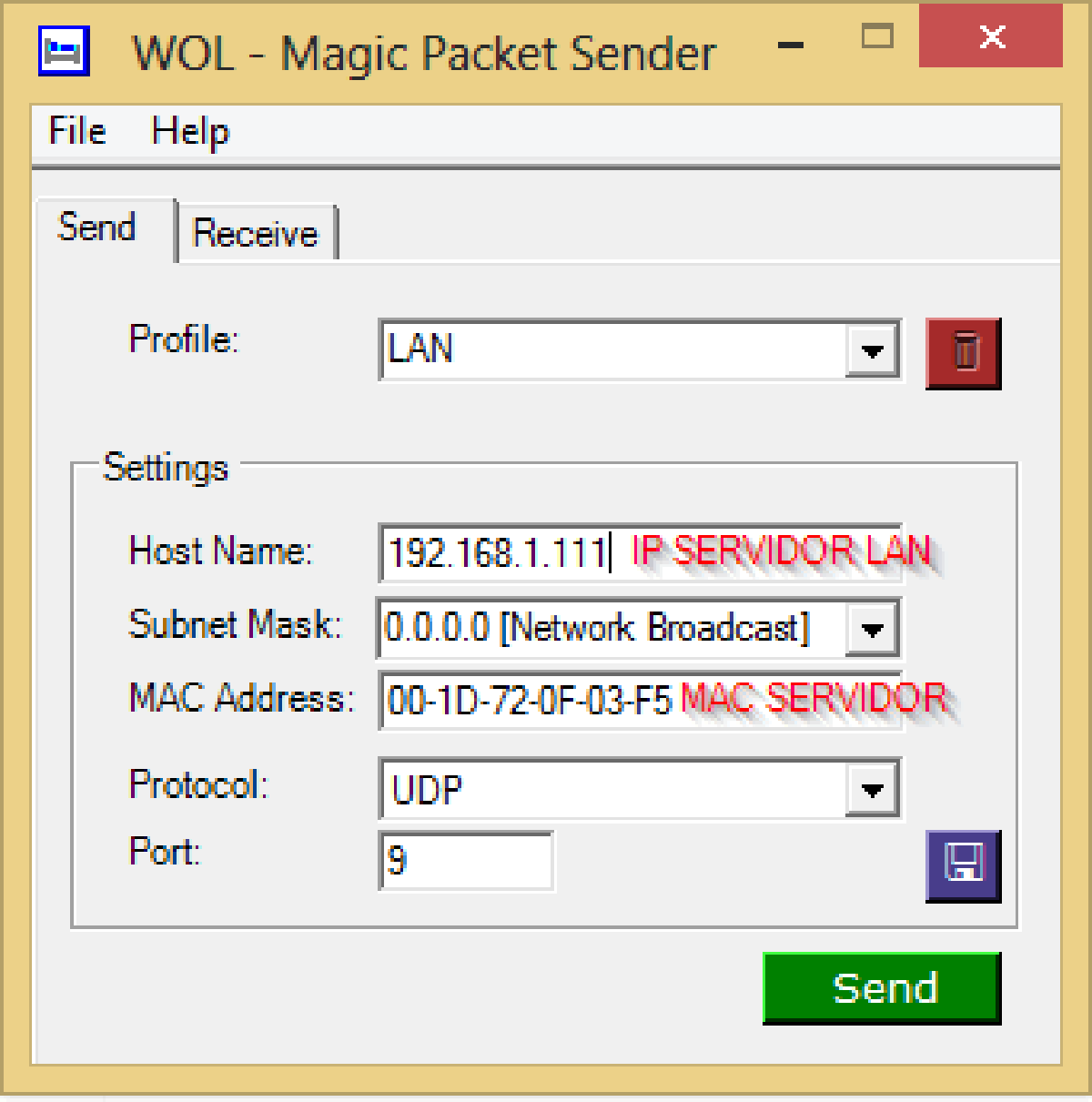
We will need the data we obtained in the the first entry
- ComputerServer IPs
- macserverserver
Clients for the various operating systems We will take the configurations that are seen in the Windows clients part and extrapolate them to the rest since the data to be entered is exactly the same.
- Windows
- Client
- Lan
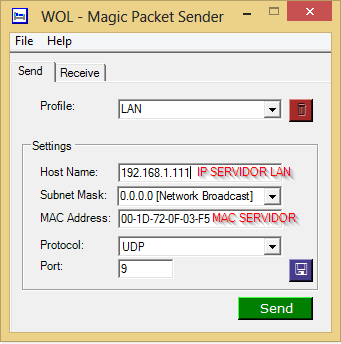
- WAN (Internet)
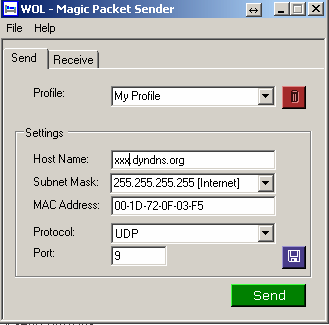
- Linux
- Terminal
sudo apt-get install wakeonlan
//PARA LAN
//wakeonlan "MAC del pc que queremos encender"
wakeonlan 00:05:22:ff:11:d5
//PARA INTERNET
wakeonlan -i dominio.dyndns.org -p 9 00:05:22:ff:11:d5- GUI (Graphical Interface)
- Installation
sudo apt-get install gwakeonlan- Android
- I have chosen this client because it allows us both LAN and WAN and also allows us to scan network devices to add them
- Download here
- LAN
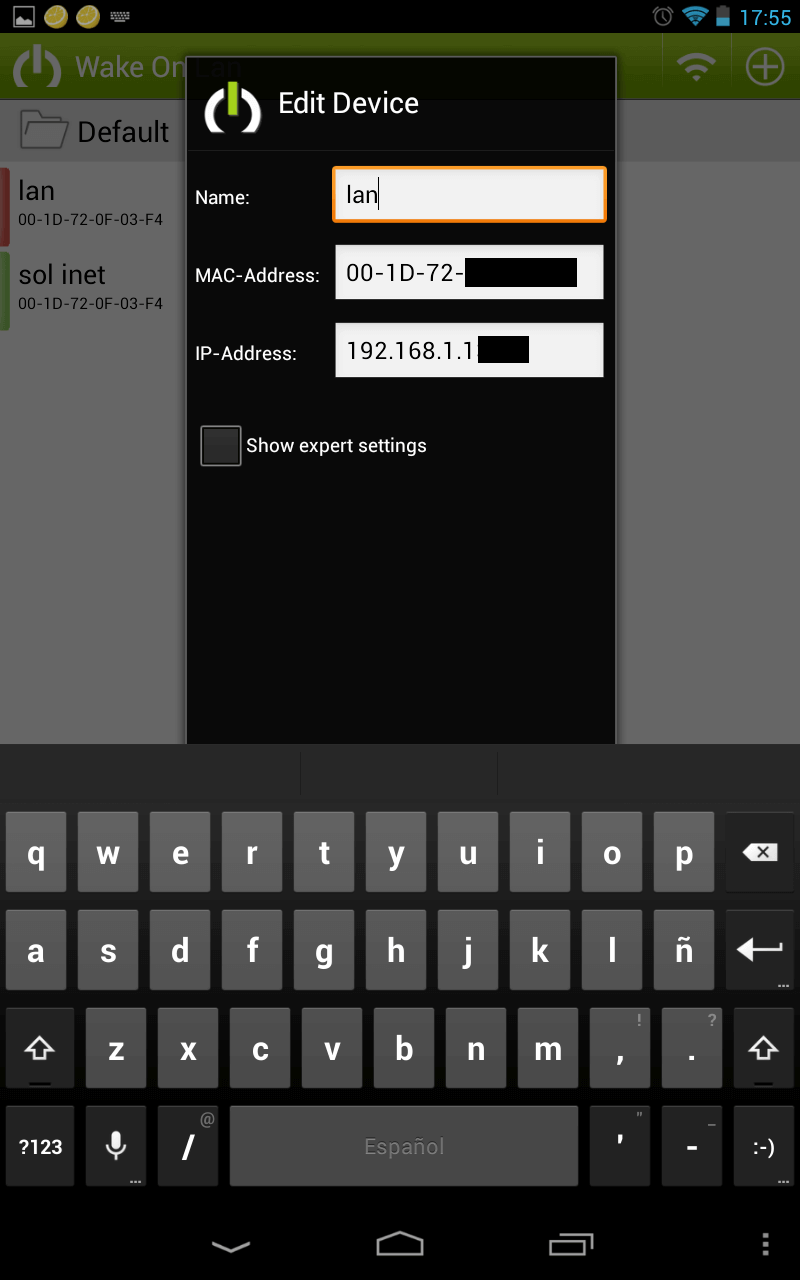
- WAN (Internet) ( Important to disable Broadcast )
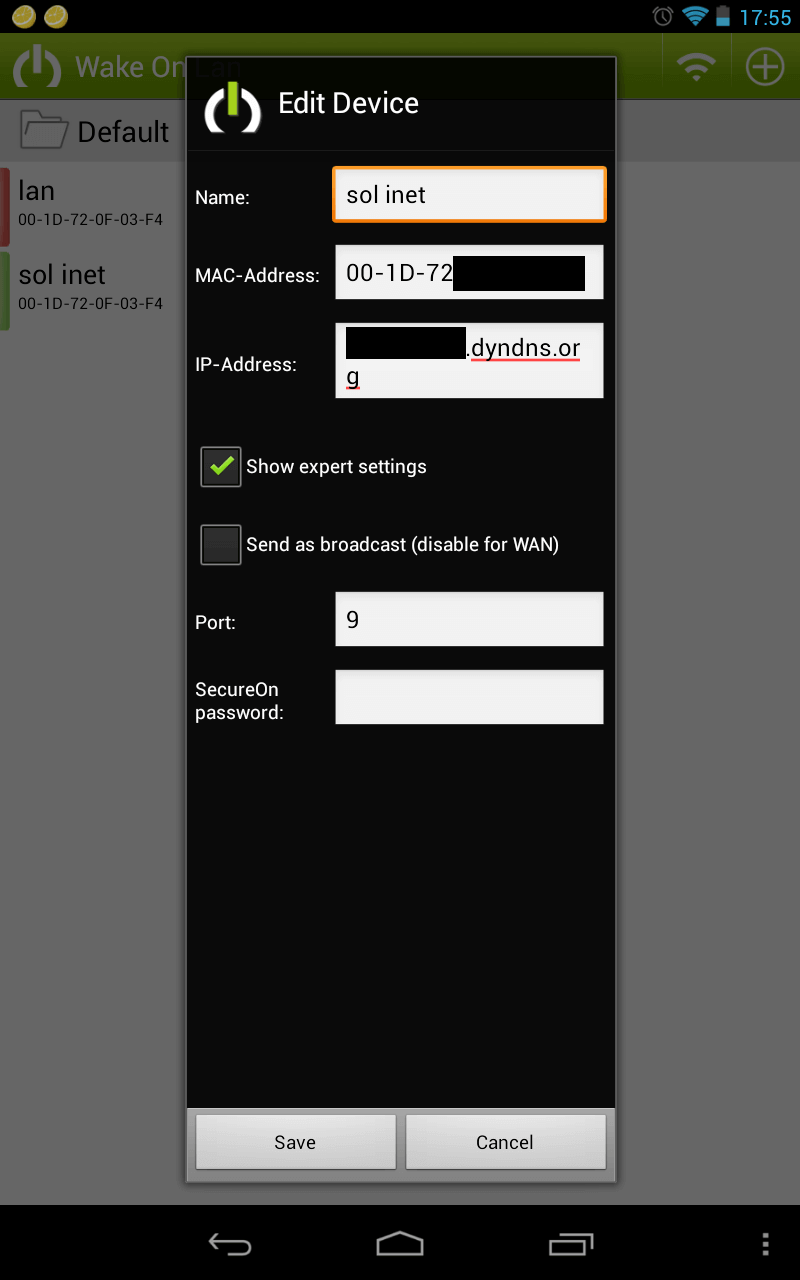
- Internet ( Web )
- This method is only valid for turning on over the internet, but it is very useful since we can save it in favorites and use it without downloading any type of software
- www.wakeonlan.me/spa/?mobile=0&ip=NUESTRODOMINIO&mac=MACDETUDISPOSITIVO&pass=&schedule=&timezone=2
- iOS, Windows Phone I have not tested clients, but with the configurations described above you will be able to configure them yourself.