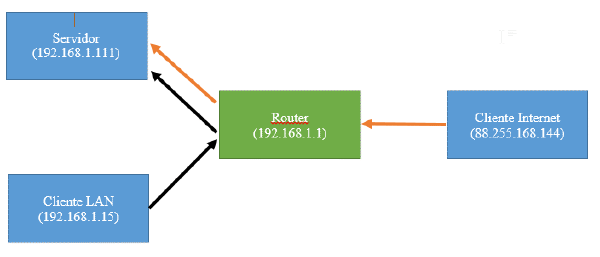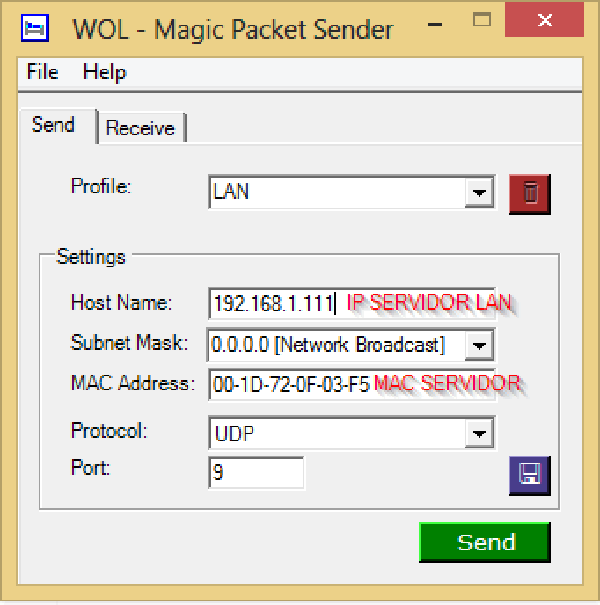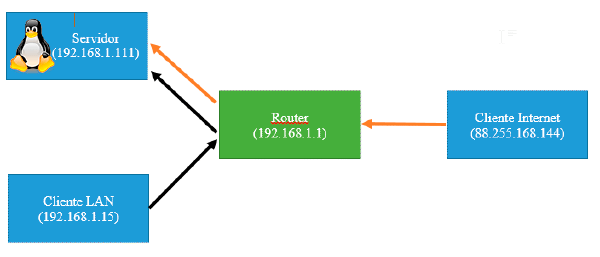

Today we are going to see how to configure our Windows operating system, for WOL.
Steps:#
- We go to the support page of the manufacturer of our network card or motherboard, download and install the updated drivers.
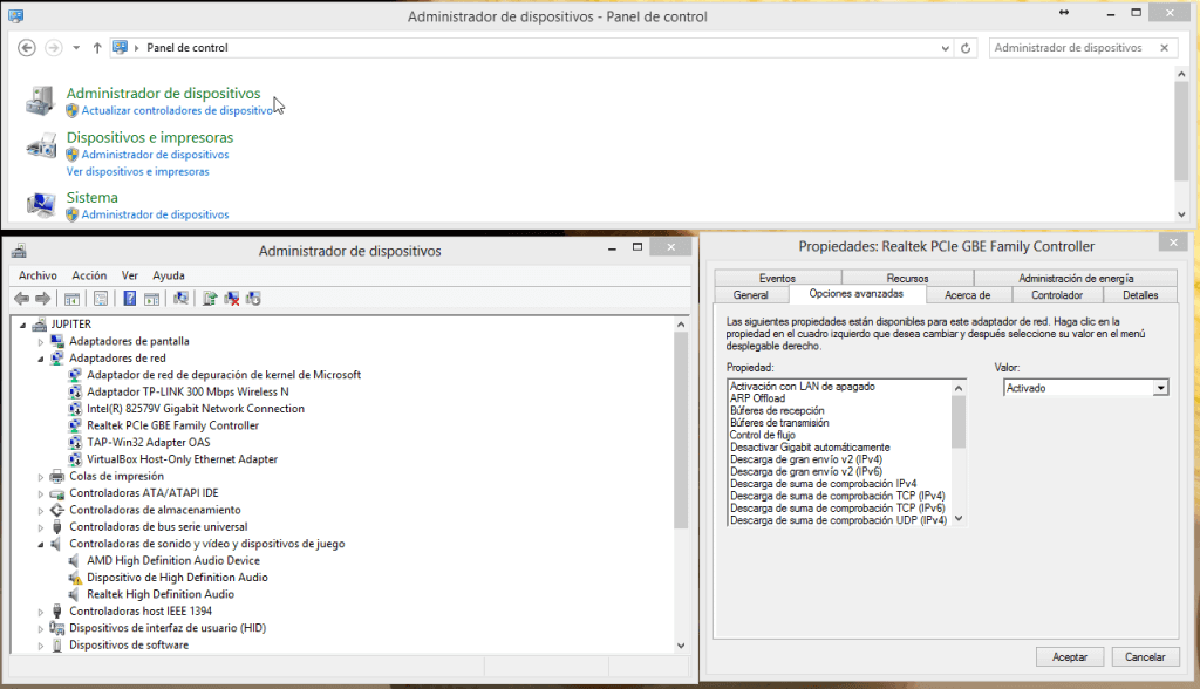
- Go to Control Panel -> Device Manager ->right click on our Network Card ->Properties ->Advanced Options.
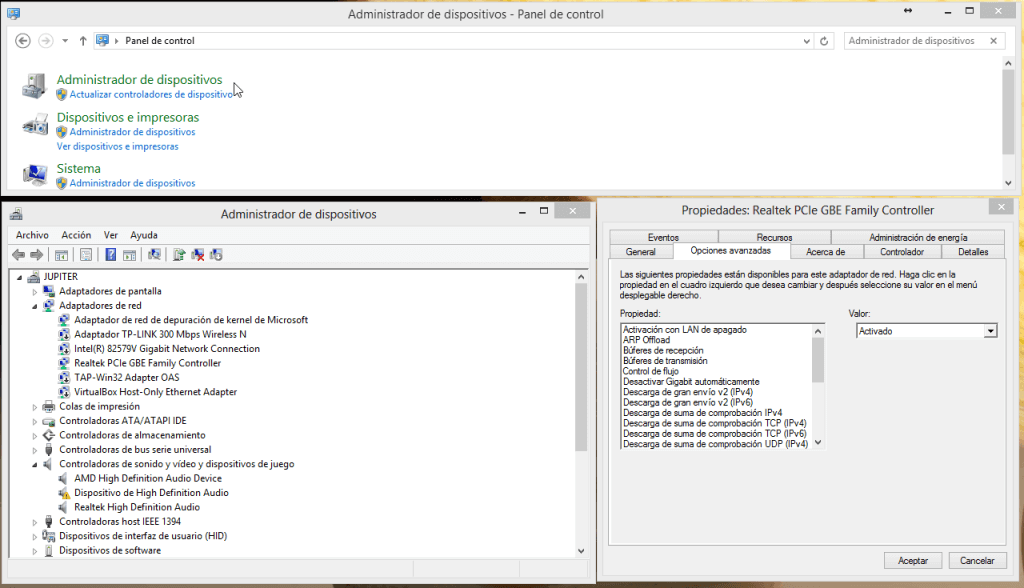
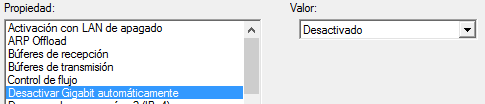
- Turn off power saving options.
- Turn on options related to Auto On, Wake on Lan

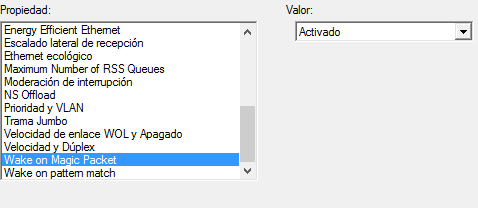
That’s it, we have WOL enabled on Windows.