↓ Skip to main content
  1. Posts/

Be supportive, use your 404 page to do something good for others.

·
Rubén Infante Docio
Author
Rubén Infante Docio
Software engineer

Today, I want to share with you the service offered by the http://notfound.org/

Explanation
#

Page 404 refers to the html page that a web server returns to us, when we access a url that does not exist or has ceased to exist, this is because it is the http error number for these cases.

notfound.org offers us to replace this response with images of missing children, so that when someone accesses a non-existent place on our website, this image appears and if they have seen that person, they can provide useful information to find them.

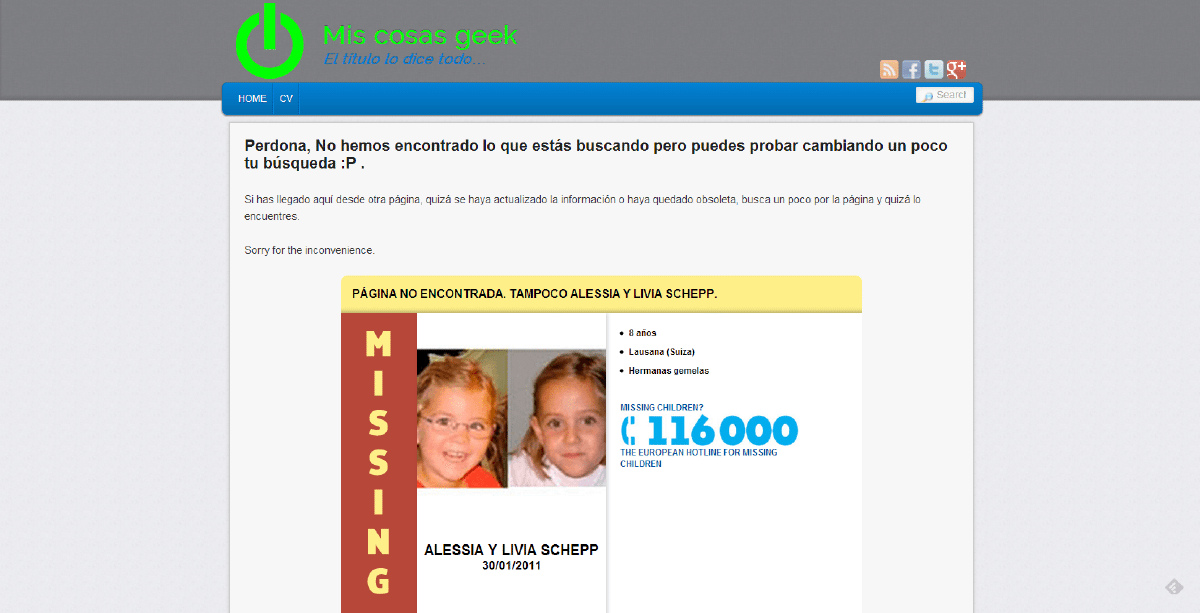
Steps to follow (Wordpress):
#

  1. Go to page notfound.org
  2. Click on “YES, I WILL MAKE BETTER USE OF MY 404 PAGE.”
  3. Enter the url
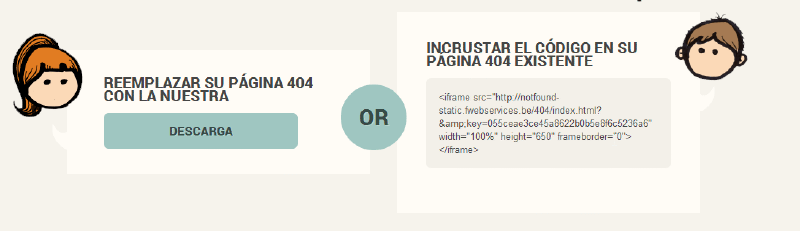
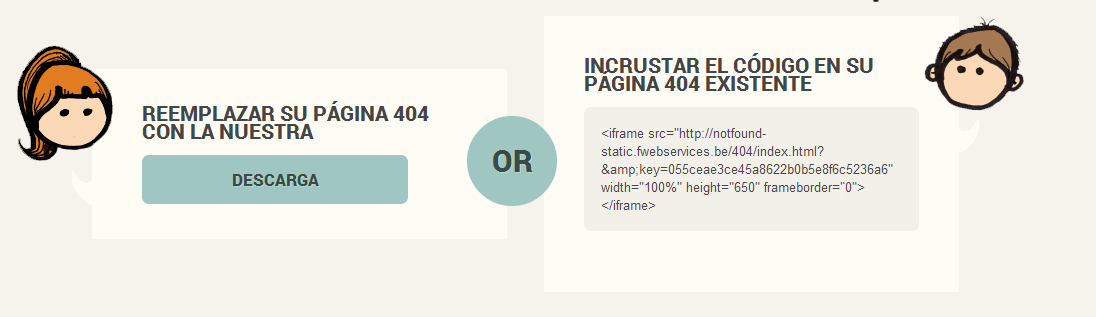
  4. The following box will appear
    select-Notfound.org
    1. Replace Page (Option 1, Easy)
    1. Replace the downloaded file with 404.php and you’re done
    2. Mixing your website and notfound.org (Option 1, recommended)
      1. Connect by ftp to your wordpress site.

      2. Go to /www/wp-content/themes/NAME_TEMA

      3. Edit 404.php

      4. Go to the line after

        <div class="entry-content">

        Or where the place is located where you want to locate it.

      5. Paste the code provided from notfound.org.

Done!

Related