
Today we are going to talk about the g729 codec.
On the net, there are many sites where the benefits of this codec are shown, even in the Wikipedia in Spanish, there is an excellent definition.
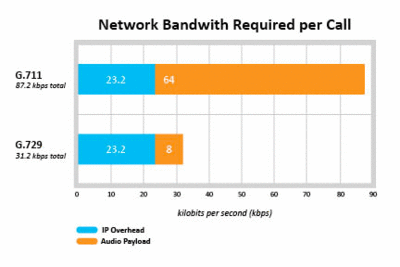
That is why here I will limit myself to listing some of its virtues, in case the image of the header is not enough explanation:
- Specially designed for voice transmission.
- High compression.
- Good quality
- Compression of silences
- Noise Reduction
- It does not require a high-capacity device to use despite its compression.
The problem is that it is a codec, whose implementation and therefore its use are paid.
However, Intel, as the creator of the codec, among others, released a version of this codec years ago that someone has been evolving.
It’s a curious story, more detailed information can be obtained here.
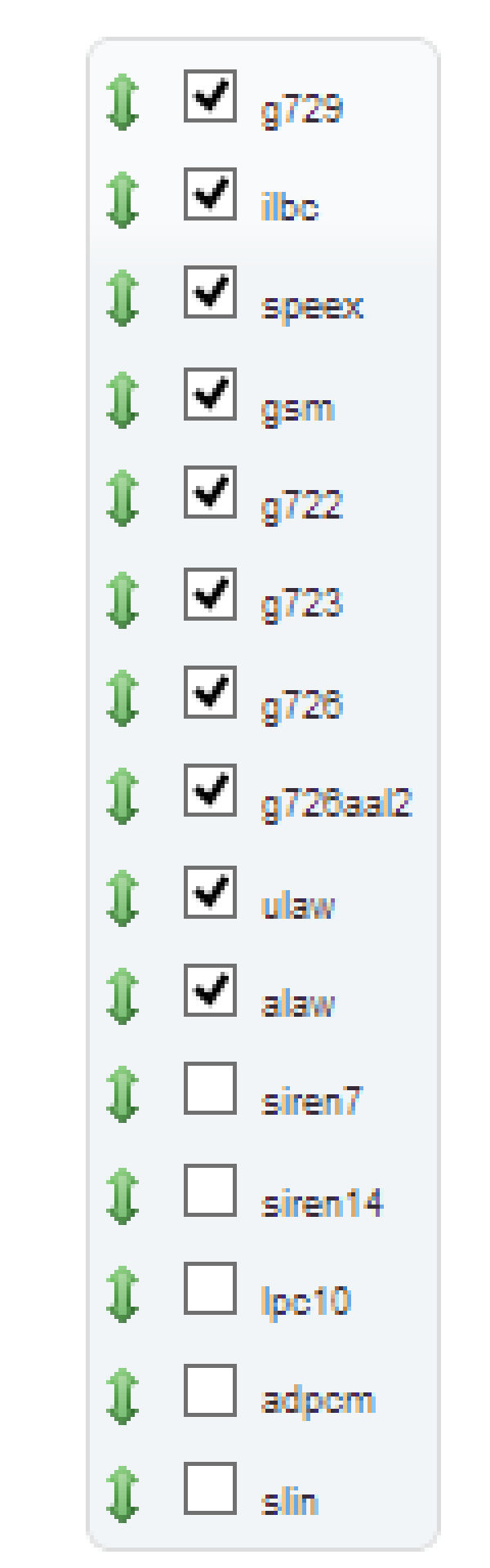
But let’s get to the heart of the matter, how do I install this codec and by the way the g723.
Very simple
In this url in the menu on the right you will find the versions of Asterisk, for the different processors.
Replace the urls of these wget with yours:
#

wget  http://asterisk.hosting.lv/bin/codec_g729-ast110-gcc4-glibc-x86_64-core2.so
sudo mv ./codec_g729-ast110-gcc4-glibc-x86_64-core2.so /usr/lib/asterisk/modules/codec_g729.so
wget  http://asterisk.hosting.lv/bin/codec_g723-ast110-gcc4-glibc-x86_64-core2.so
sudo mv ./codec_g723-ast110-gcc4-glibc-x86_64-core2.so /usr/lib/asterisk/modules/codec_g723.so
sudo amportal restart
 sudo asterisk -r
#Este comando nos permite comprobar que la instalación se ha realizado correctamente
 core show translation recalc 10
Run and you’re done.
You already have these two codecs available.