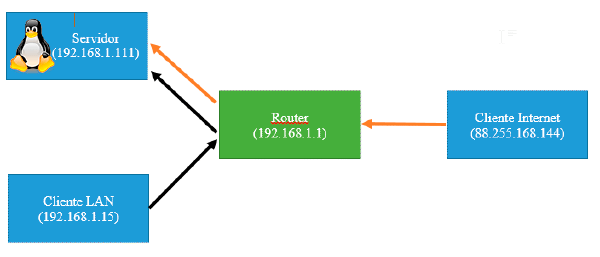
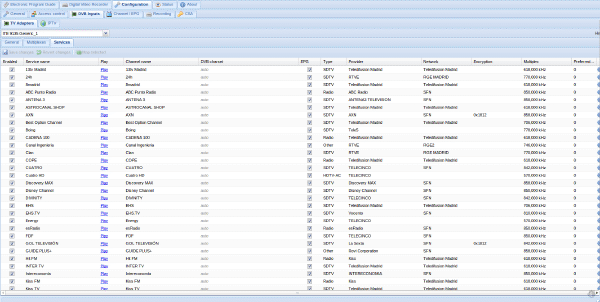
For a long time I have set up a server at home, with several services, mediacenter, etc…
The important thing in a server is that its services work correctly for as long as possible, so it is necessary to check if they are all active. However, due to errors, on some occasions, these servers stop working, so it is necessary to check that they remain active from time to time and if they are not, reactivate them.
That’s why here I leave you the code to check and restart the services.
Your “fichero.sh” Look for “PATH” and enter the location of the requested files:
#!/bin/bash
services=(zoneminder webmin tomcat6 subsonic apache2)

for name in ${services[@]}
do
        SERVICEEXIST=`sudo service $name status|grep -n "is running"|cut -d: -f1`
	if [ "$SERVICEEXIST" != "1" ] ; then
    		service $name start
	fi
done

procesos=(amuled utserver lircd)
for name in ${procesos[@]}
do
	PROCESSNAME=`ps -A|grep $name|cut -d: -f3|cut -d" " -f2|tail -1`
        if [ "$PROCESSNAME" != "$name" ]; then
           case $name in
   		"amuled") sudo service amule-daemon restart; break;;
   		"utserver") RUTA/utserver -daemon; break;;
                "lircd") sudo service lirc start; break;;
  	   esac
        fi
done
pyload=`pyLoadCore --status`
if [ $pyload == "false" ];then
	pyLoadCore --daemon
fi
nxserver=`sudo /usr/NX/bin/nxserver --status|grep -n "is running"|cut -d: -f1`
if [ $pyload == "false" ];then
        sudo /usr/NX/bin/nxserver --daemon
fi
SERVICEEXIST=`sudo service proftpd status|grep -n "currently running"|cut -d: -f1`
if [ $SERVICEEXIST == "false" ];then
        sudo service proftpd start
fi
SERVICEEXIST=`sudo service ssh status|grep -n "running"|cut -d: -f1`
if [ $SERVICEEXIST == "false" ];then
        sudo service ssh start
fi
SERVICEEXIST=`sudo service mysql status|grep -n "running"|cut -d: -f1`
if [ $SERVICEEXIST == "false" ];then
        sudo service ssh start
fi
SERVICEEXIST=`sudo service cups status|grep -n "running"|cut -d: -f1`
if [ $SERVICEEXIST == "false" ];then
        sudo service ssh start
fi
Once saved, we execute:
sudo crontab -eAnd in the file that opens we enter:
*/1 * * * * bash RUTA/fichero.shWhere “1” is the number of minutes that must pass between checks.