
I don’t know the cause of the problem, (some failed update of Windows update, some extension for Visual Studio 2012…).
The fact is that for a month or so, I have been having problems with Windows Installer in Windows 8 (I could not install any program that needed it) when searching on the internet, I found nothing but information for older OS. In previous OS, you can reinstall Windows Installer 4.5, but in Windows 8 Windows Installer 5.0 is included in the operating system.
Doing some research, using the sfc /scannow command and looking for the string “
\[SR\]”:
findstr/c: "[SR]" %windir%LogsCBSCBS.log > "% userprofile%Desktopsfcdetails.txt"I saw that there were several corrupt files on my system.
C:WindowsSysWOW64asycfilt.dll C:WindowsSysWOW64dxtrans.dll

C:WindowsSysWOW64dxtmsft.dll C:WindowsSysWOW64msiexec.exe

C:WindowsSysWOW64srclient.dll C:WindowsSysWOW64msisip.dll
All of them belong to 64-bit Windows Installer. To solve it I followed the steps below:
- I went to another PC with WIndows 8 I copied these files, you can download these files from here
- On the PC with the problem I executed the following commands, to give full permissions to the administrators:
TAKEOWN /f C:WindowsSysWOW64asycfilt.dll
TAKEOWN /f C:WindowsSysWOW64dxtrans.dll
TAKEOWN /f C:WindowsSysWOW64dxtmsft.dll
TAKEOWN /f C:WindowsSysWOW64msiexec.exe
TAKEOWN /f C:WindowsSysWOW64srclient.dll
TAKEOWN /f C:WindowsSysWOW64msisip.dll
icacls C:WindowsSysWOW64asycfilt.dll
icacls C:WindowsSysWOW64dxtrans.dll
icacls C:WindowsSysWOW64dxtmsft.dll
icacls C:WindowsSysWOW64msiexec.exe
icacls C:WindowsSysWOW64srclient.dll
icacls C:WindowsSysWOW64msisip.dll
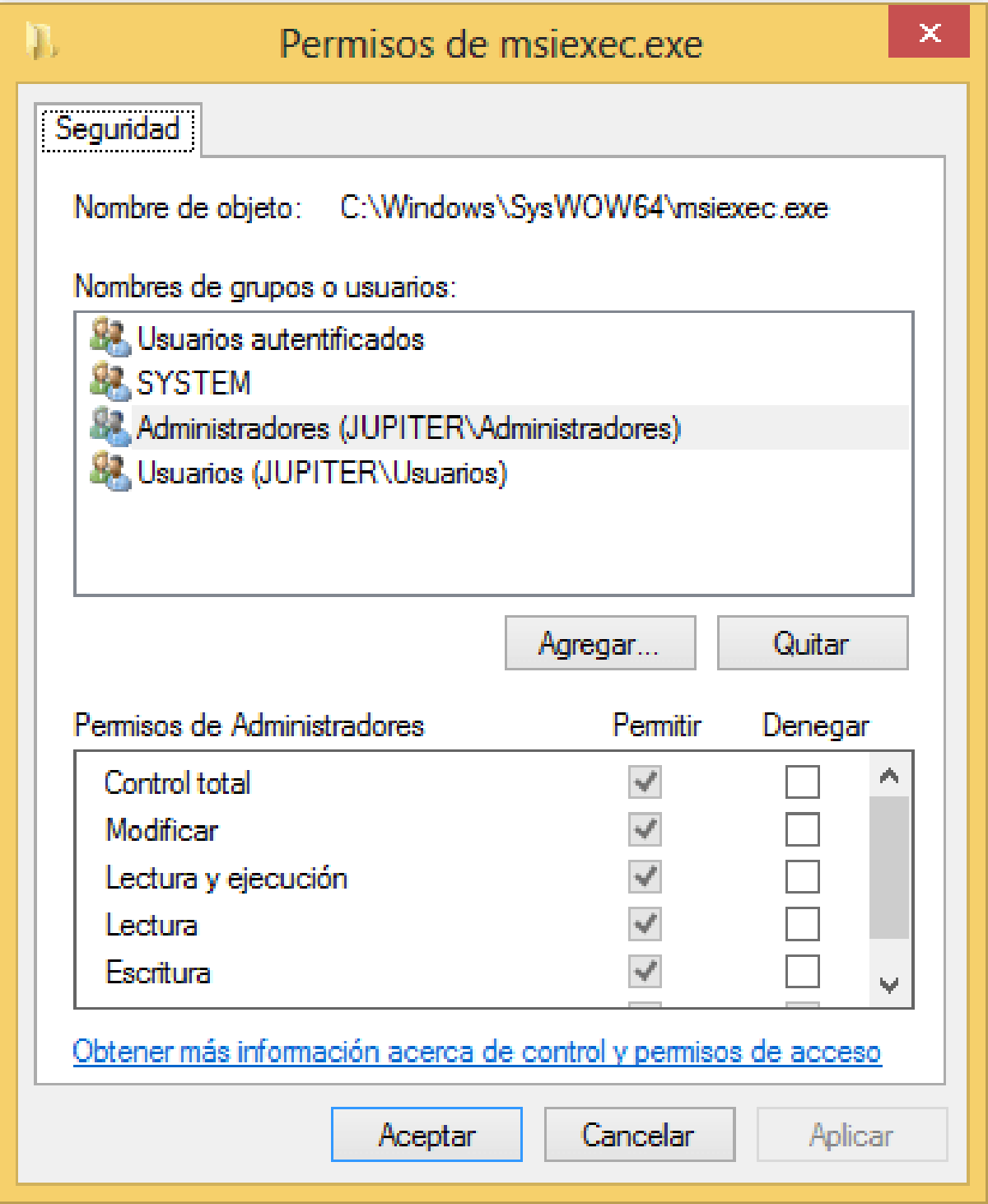
It can also be done through a graphical interface with: 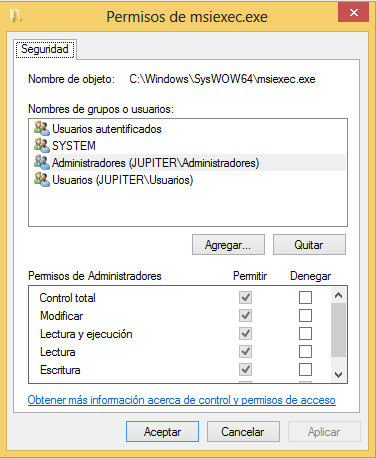
- Copy the files with permission to modify the folder,
et voilà works like seda.#